Table 7
Opened 18:42
open
JPY 5,400
#8D4Aready
2x Karaage bowl, 1x Green tea
POS ticket/referenceMark transferred
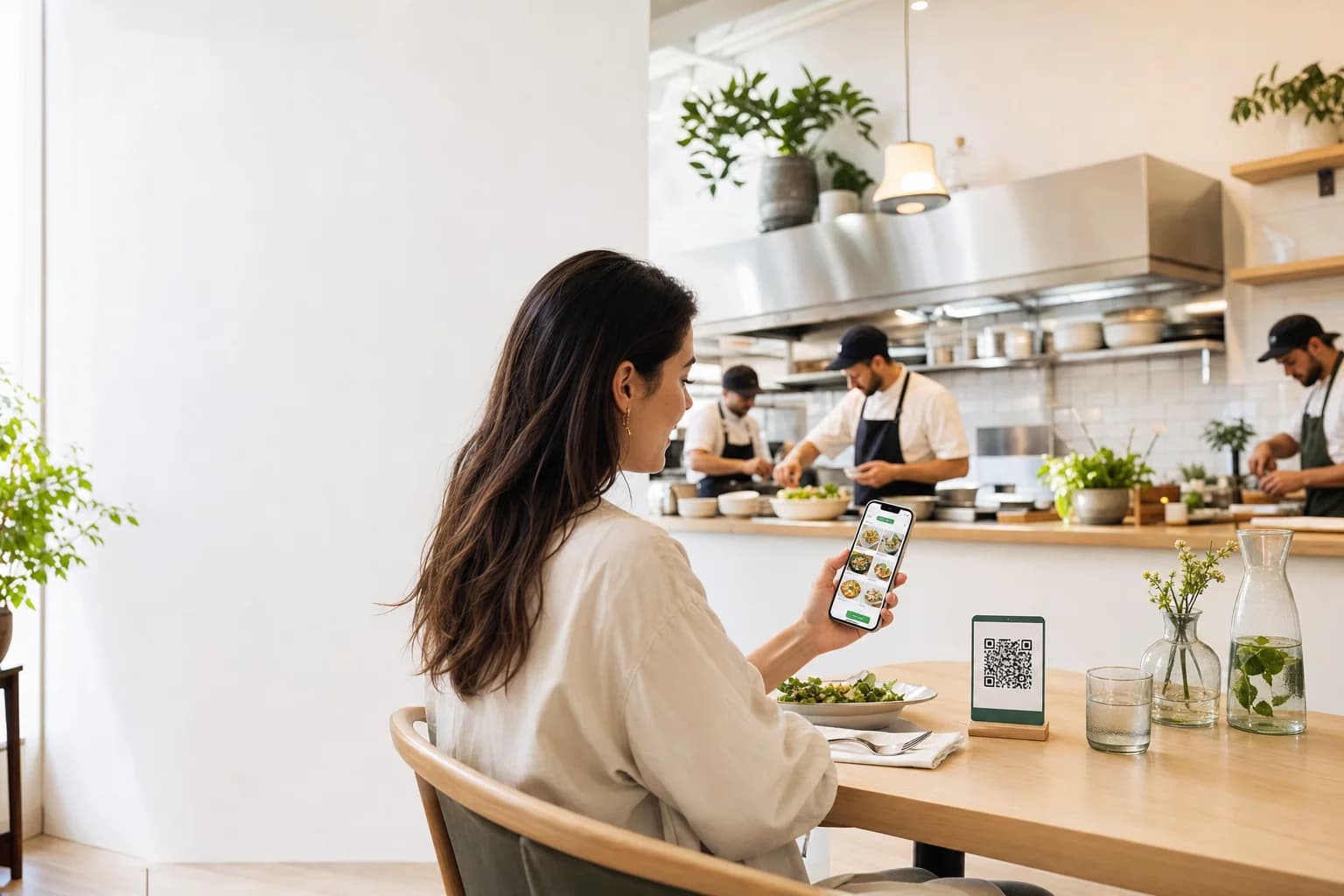
Guests scan, browse, and order when they are ready. Every item reaches the kitchen while your team keeps control of availability, table checks, and service.
The guest menu, kitchen queue, table check, and restaurant controls stay connected while each person sees only what they need.
Running table totals, kitchen orders, and manual POS handoff.
2x Karaage bowl, 1x Green tea
Guests order at their pace while staff stay focused on hospitality, kitchen flow, and the moments that need a human touch.
Give guests, kitchen staff, and managers a clear path through each order, then expand across the floor at your pace.
Create the restaurant, menu, tables, and team from one guided workspace.
Nothing is installed on guest phones. The printable QR kit connects every table to the right live menu.
Run one order from scan to served before introducing it to guests.
Managers learn the controls, kitchen staff learn the queue, and the owner can verify the complete table check.
Open one table or the whole floor, then learn from real restaurant activity.
Update availability instantly and use order, item, and table trends to improve the next service.
Let guests order when they are ready while the team keeps control of availability, preparation, table checks, and the handoff to the restaurant's existing POS.
Print every active table together or one at a time, with the restaurant mark and controlled table access.
Owners manage the restaurant and team, managers run service controls, and staff focus on orders and kitchen work.
Mark an item unavailable immediately and keep guests from ordering dishes the kitchen cannot serve.
Review orders, revenue, average order value, popular items, table activity, and availability misses.
A guest should not need to catch a busy server for another drink or dessert. Keep the menu available, then use actual order data to see whether check value, item mix, and table activity improve.
higher average ticket size reported by a comparable mobile table-ordering platform.
External benchmark from Toast's Order & Pay release. Results vary by restaurant and implementation; this is not a Smart Resto guarantee.
Create the restaurant workspace, add a few menu items, and see the complete order flow from guest to kitchen and check.